Point of Sale (POS)
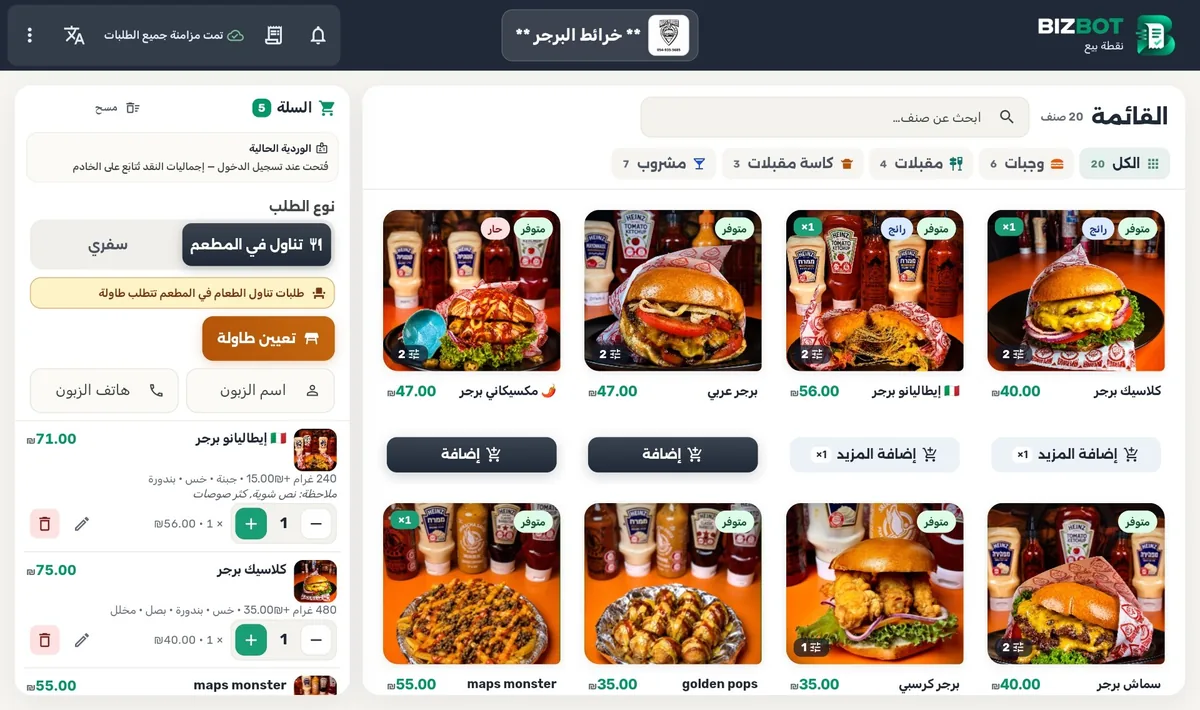
Orders, tables, takeaway, payment and printing in one clear counter interface.
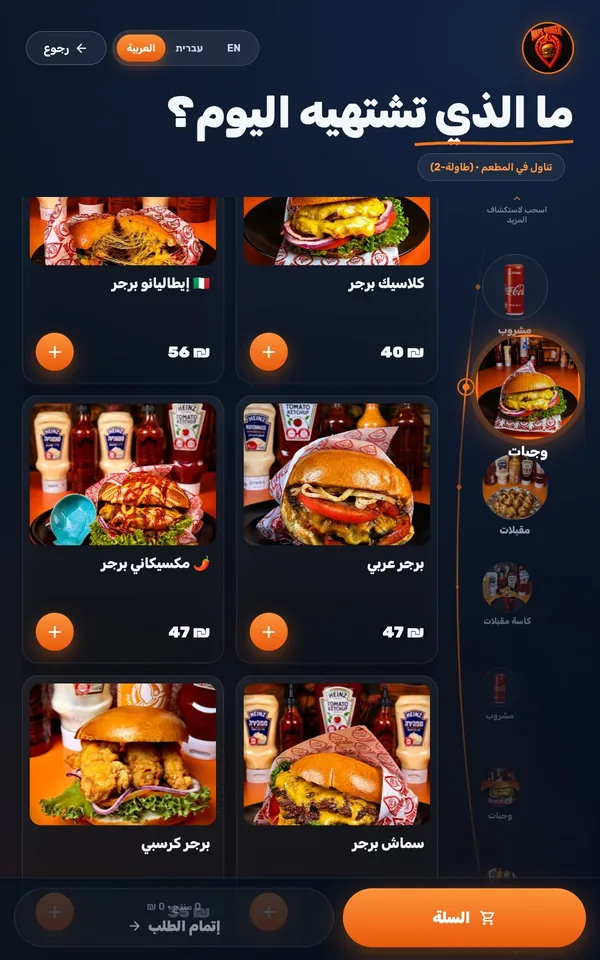
- Categorised menu with instant search and item photos
- Tables and a floor map, takeaway, and one-tap table assignment
Connected restaurant operations
From order to kitchen to reporting, POS, KDS, kiosk and dashboard work as one connected system.
Products
Four modules move each order through one flow, from customer to management.

Orders, tables, takeaway, payment and printing in one clear counter interface.

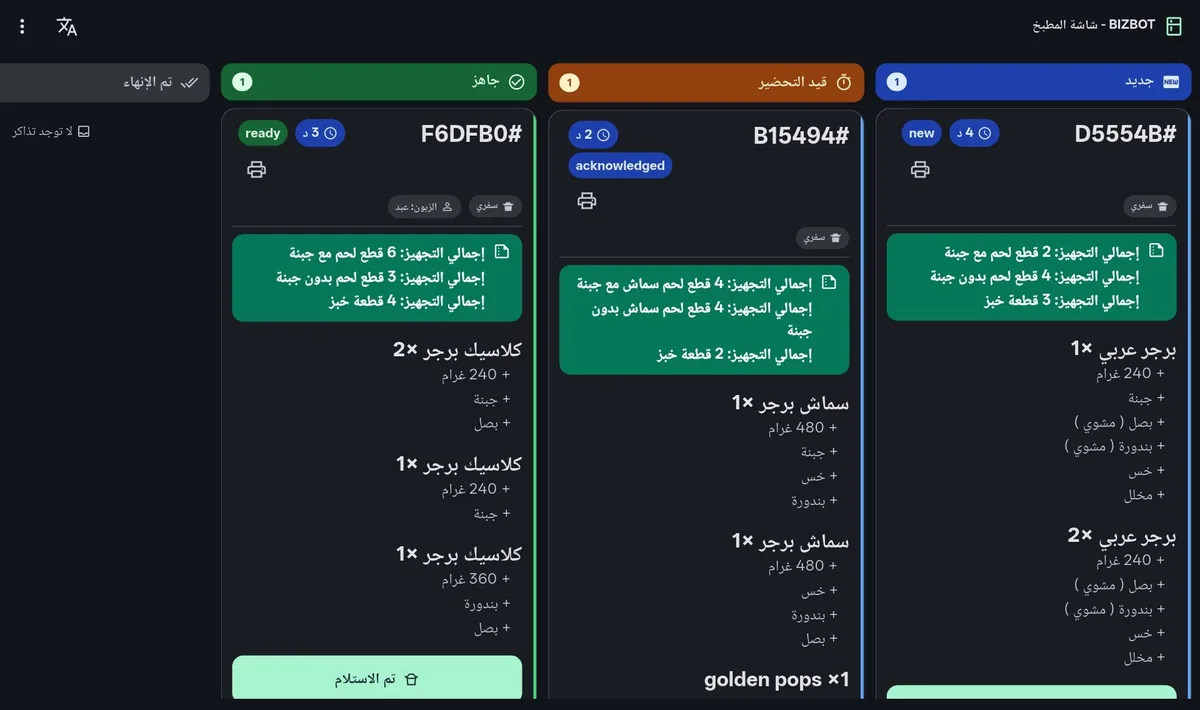
Kitchen tickets organised by status, with clearer prep details and totals for the team.

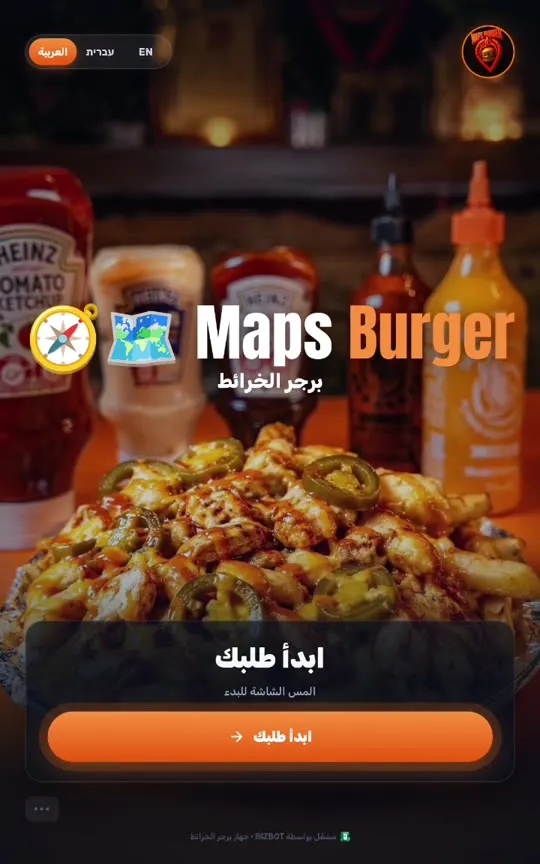
Visual self-ordering with table or takeaway selection, sent directly into the system.

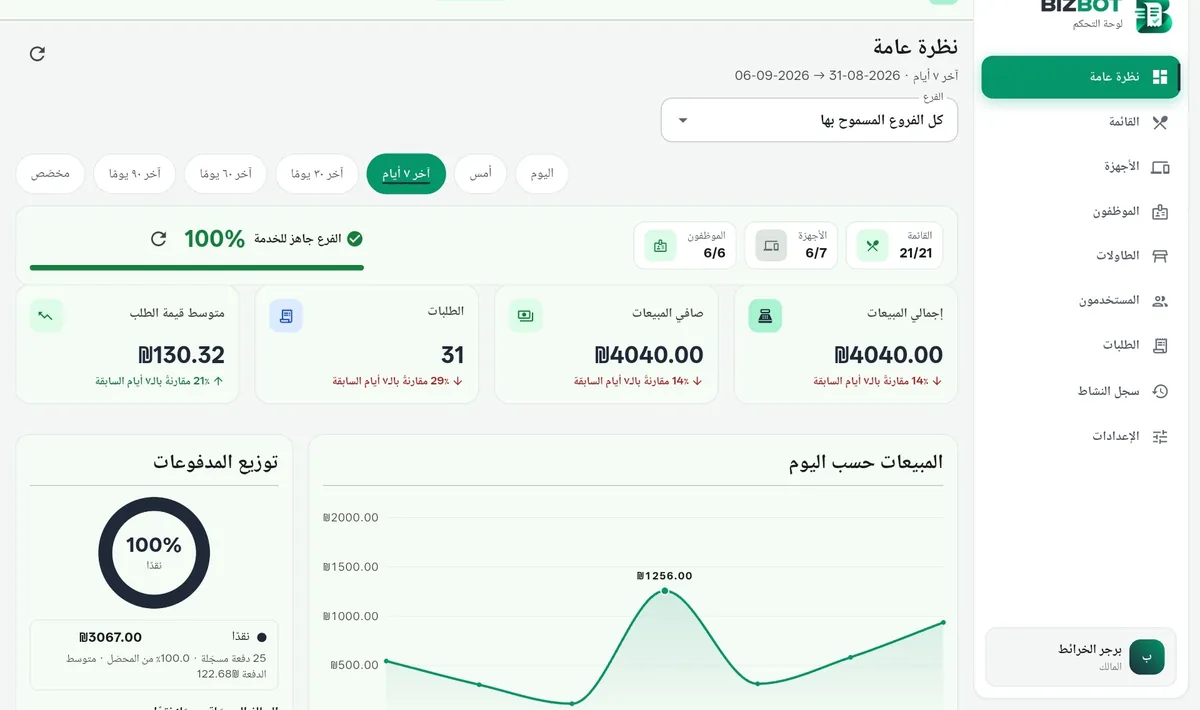
Sales, orders, staff and devices in one dashboard that gives management a clearer view.
The order journey
Scroll and follow a single order from the moment it is placed until it reaches the dashboard.
At the kiosk on their own, or through the cashier at the POS.
New orderThe order is recorded, paid when needed, and the receipt and kitchen ticket print.
ReceivedThe ticket appears on the kitchen screen right away and moves between states.
PreparingThe ticket is marked ready and the order is handed to the customer.
ReadyThe order and the sales show up in the dashboard as they happen.
In the reportsBefore & after
BIZBOT connects the order, kitchen, readiness and management in one clearer flow for the team.
Who it's for
Restaurants, cafés, sweets, fast food and cloud kitchens — one system shaped around how you work.
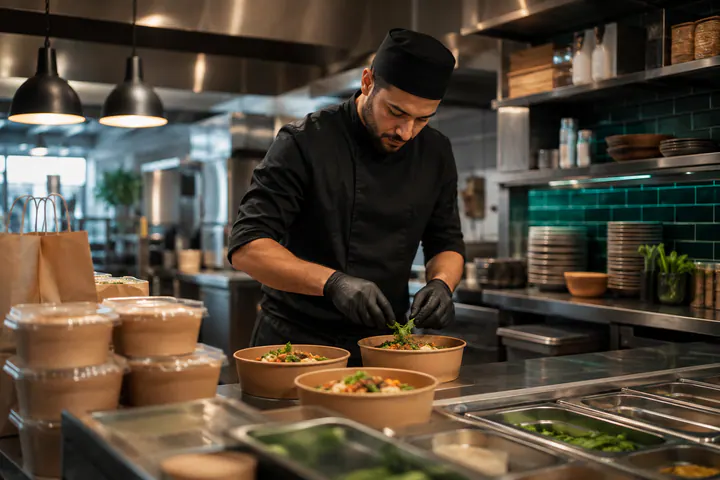
Tables, floor maps and a synced kitchen.
Quick orders at the counter or the kiosk.
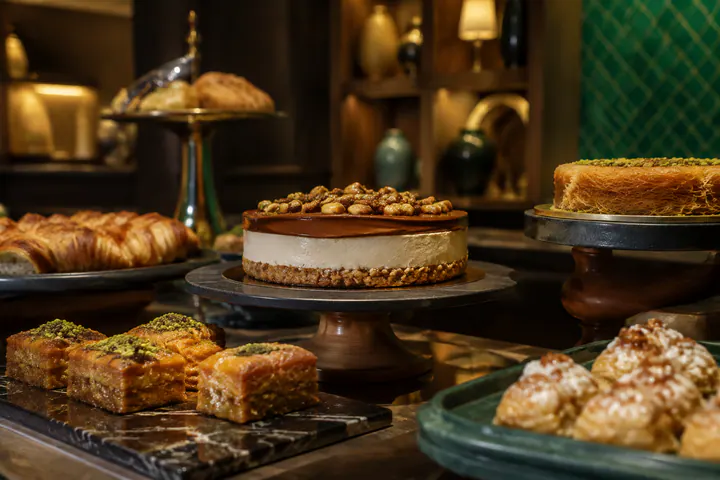
Flexible menus, modifiers, sizes and prices that suit dessert products.
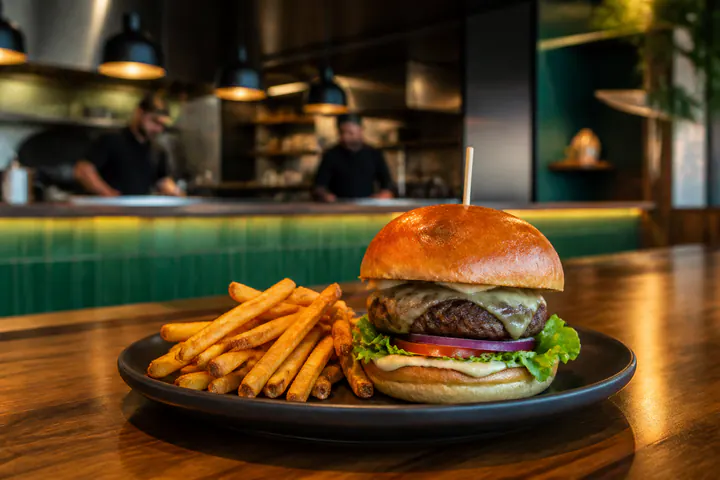
Speed at the queue and a clear kitchen screen.
Organised orders and a clear kitchen screen for a faster flow inside the business.
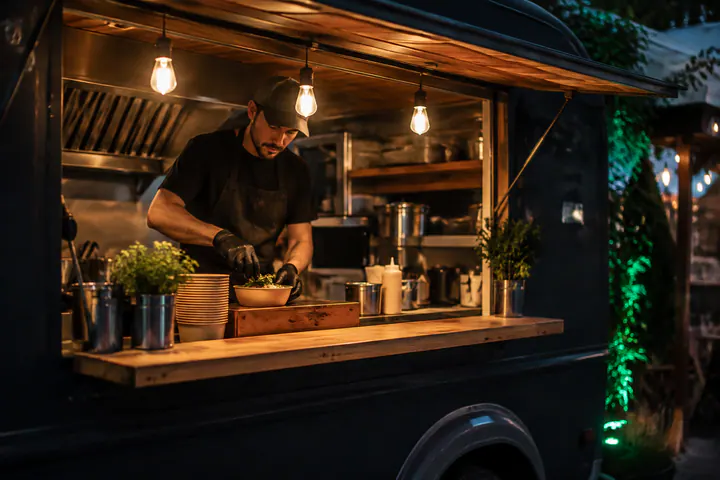
Small shops, food trucks and any point of sale.
Examples of business types BIZBOT fits — not customer logos.
Features
Everything the team needs for a clearer flow, sharper oversight and easier daily operations.
Arabic, English and Hebrew end to end — interfaces and receipts that respect text direction.
Runs on counter terminals, tablets, kitchen screens, kiosks and the browser.
The counter keeps taking and printing orders during an outage and syncs everything automatically when the network is back.
A personal identity for every employee, paired and authorised devices, and role-based permissions — no shared passwords.
Receipts and kitchen tickets on the usual thermal printers, in Arabic, Hebrew and English.
Regular updates across all modules, and support that understands how restaurants and shops really work.
See the product
See real BIZBOT screens across the order journey, from counter and kitchen to kiosk and management.

Menu and order cart

Kitchen ticket board

Welcome screen (video)

Overview
Pricing
Get a tailored quote based on the devices, branches and modules your business needs.
Request a quoteOne branch or several? Counter only or the full system? The quote is built on what you actually need.
Contact
Tell us about your business and we’ll show BIZBOT on your devices, focused on what your team needs.